Contact management

Notes

Keep track of sales conversations and actions in the contact notes.

Groundhogg’s Notes feature provides a simple yet powerful way to keep track of important information about your contacts. You can add notes directly within the contact record or automate note-taking using the Create Note action in flows.

Create notes manually

Easily add notes to a contact’s profile to document conversations, track follow-up reminders, or record any relevant details. This keeps all your insights and observations neatly organized and accessible whenever you need them.

Create notes automatically

Using the Create Note action in flows, you can automatically generate notes based on specific interactions or events. This is perfect for logging activity, tracking the progress of a contact through a funnel, or documenting key milestones without manual input.

See all contact management features →

Not ready to buy yet?

Get the free CRM Buyer’s Guide: the 7 questions to ask any CRM vendor, so you can pick the best fit for your business, even if it isn’t us.

Get the free guide
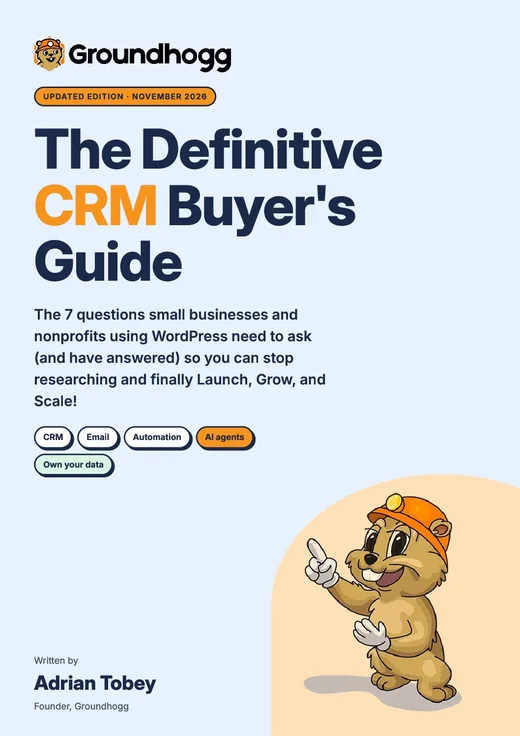
Cover of The Definitive CRM Buyer’s Guide

Trusted by serious businesses.

Just getting started but so far the support is amazing.
Jeffrey Nichols
adPharos
Great plugin with tons of options! Great support answers fast, solves issues!
Soren Jensen
Marketer
We switched from Zoho to Groundhogg and never looked back. Much better price-value ratio, very friendly and helpful support, open for new feature requests.
Oliver Fritsch
Founder @ Denkzeuge

You can RELAX now, Groundhogg actually WORKS!

You can unlock Notes, plus a whole suite of CRM and marketing automation features that also work (yes, really!) when you sign up.

Groundhogg relaxing at the beach with a drink