
seven (formerly SMS77)
The seven integration sends your Groundhogg SMS through seven.io, the SMS service formerly called SMS77.
Requires the SMS add-on. This integration only connects Groundhogg to seven. Your templates, flow steps and SMS settings come from the Text Messaging (SMS) add-on, so install both.
Setting Up seven
- Log in to seven, or create an account, and copy your API key.
- Install and activate the seven integration on your site.
- Go to Groundhogg > Settings > SMS and choose seven as the transactional and/or marketing SMS service.
- Open the seven (SMS77) settings, paste in your API key, and turn on sending through seven.
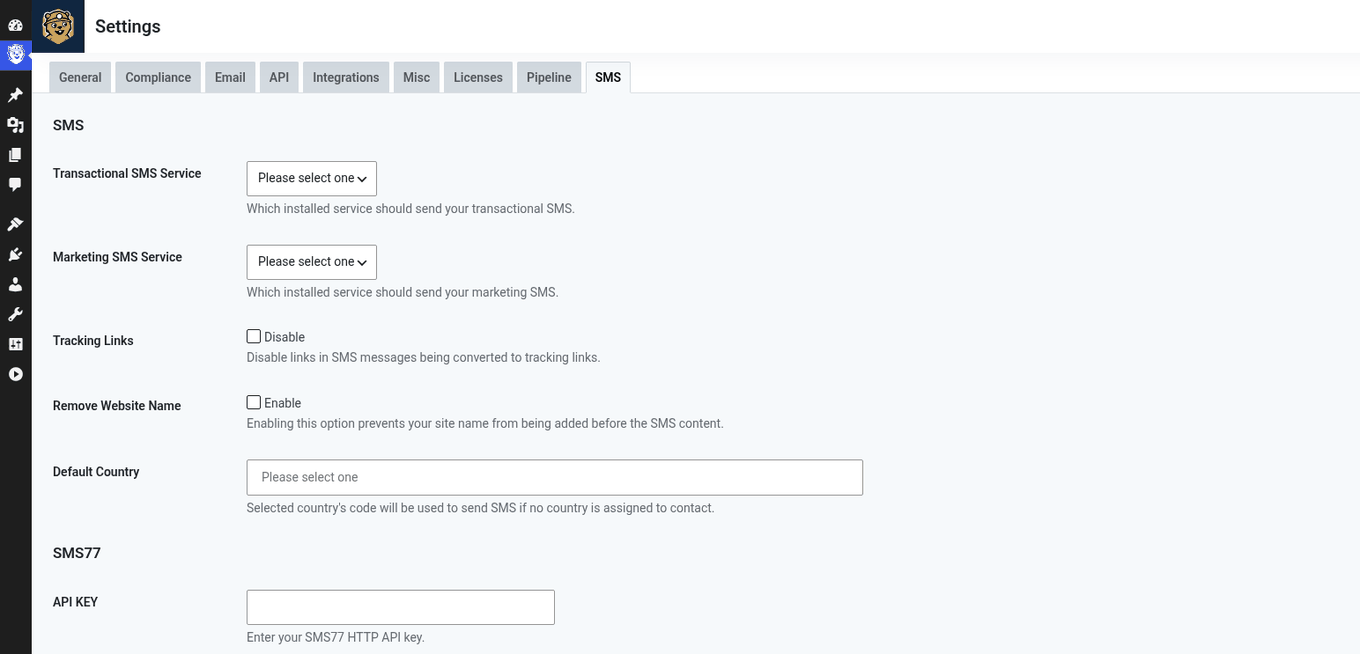
That’s it. Your SMS flow steps and templates will now send through seven.
Troubleshooting
Messages show as “not delivered”, or recipients aren’t getting them: seven sometimes has sending to some countries or regions turned off, and their team has to turn it on for your account. Contact seven support and ask them to enable the regions you send to.