Can I add an attachment to my emails?
When it comes to attaching files to marketing emails, our recommendation is simple: don’t do it!
Why you shouldn’t attach files #
- Spam filters: ISPs may flag your marketing emails as spam, especially if they contain attachments. Even if you get past the ISP’s server, popular email services like Gmail, Hotmail, Outlook, and Yahoo! often block promotional emails with attachments. This significantly reduces the effectiveness of your campaign.
- Subscriber trust: Even if your email gets past the ISP, your subscriber may still see it as spam. When crafting each campaign, ask yourself: “Would I open this?” Think about how an attachment might look to a new subscriber who doesn’t know your emails yet. They could easily mistake it for a virus from an unknown sender, mark it as spam and unsubscribe.
- Size and speed: Attachments increase file sizes, which slows down sending and uses more server resources. This can hurt campaign performance and cause significant delivery delays.
What to do instead #
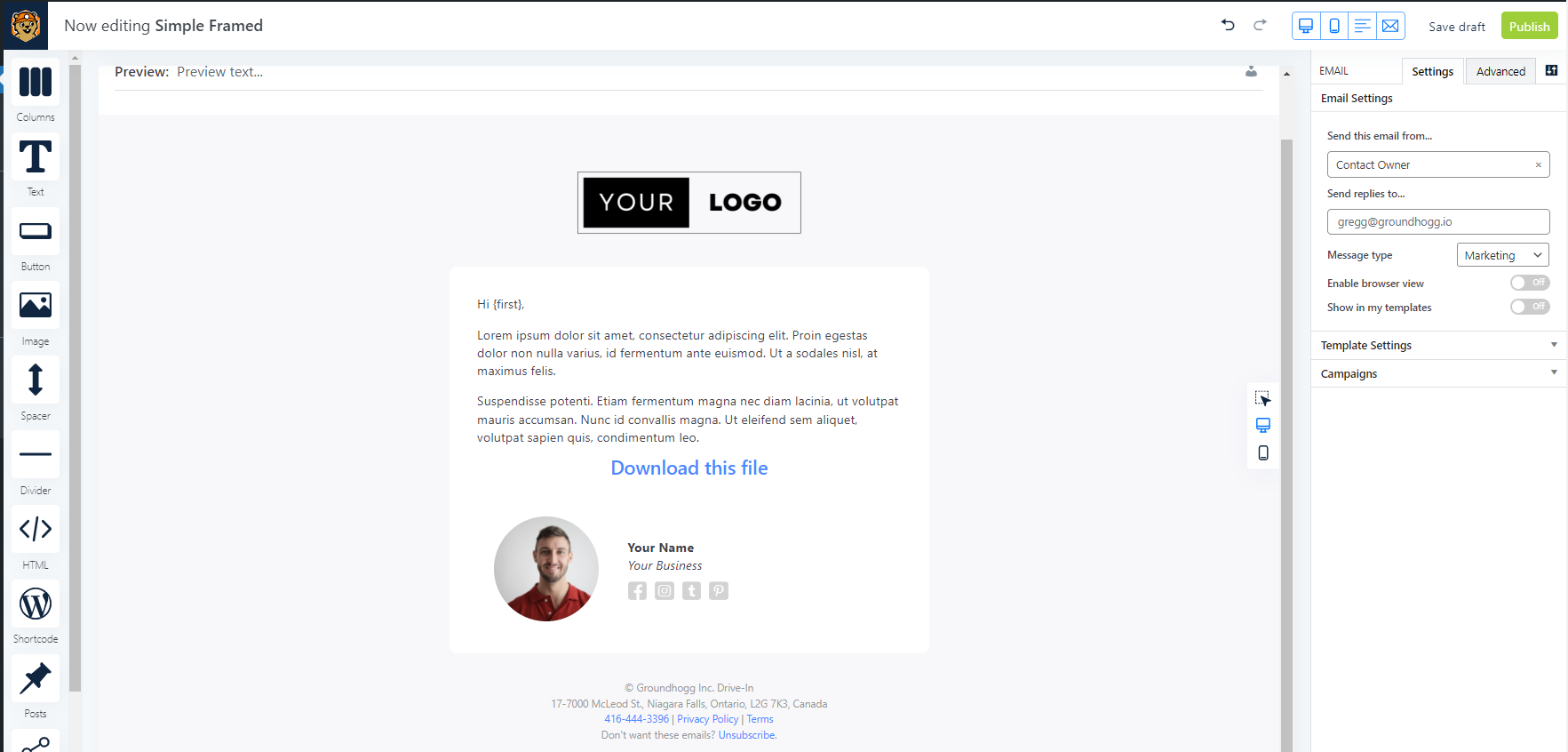
Upload your file to the WordPress media library, or to a file sharing service like Dropbox, Google Drive or Box.com, and include a link to download it in your email.