Contact management

Tasks
Keep track of important todo items with tasks!
Groundhogg’s Tasks feature helps you stay organized by allowing you to create and manage tasks that remind you of important actions, like calling a client or following up on an email.
Track Task Details
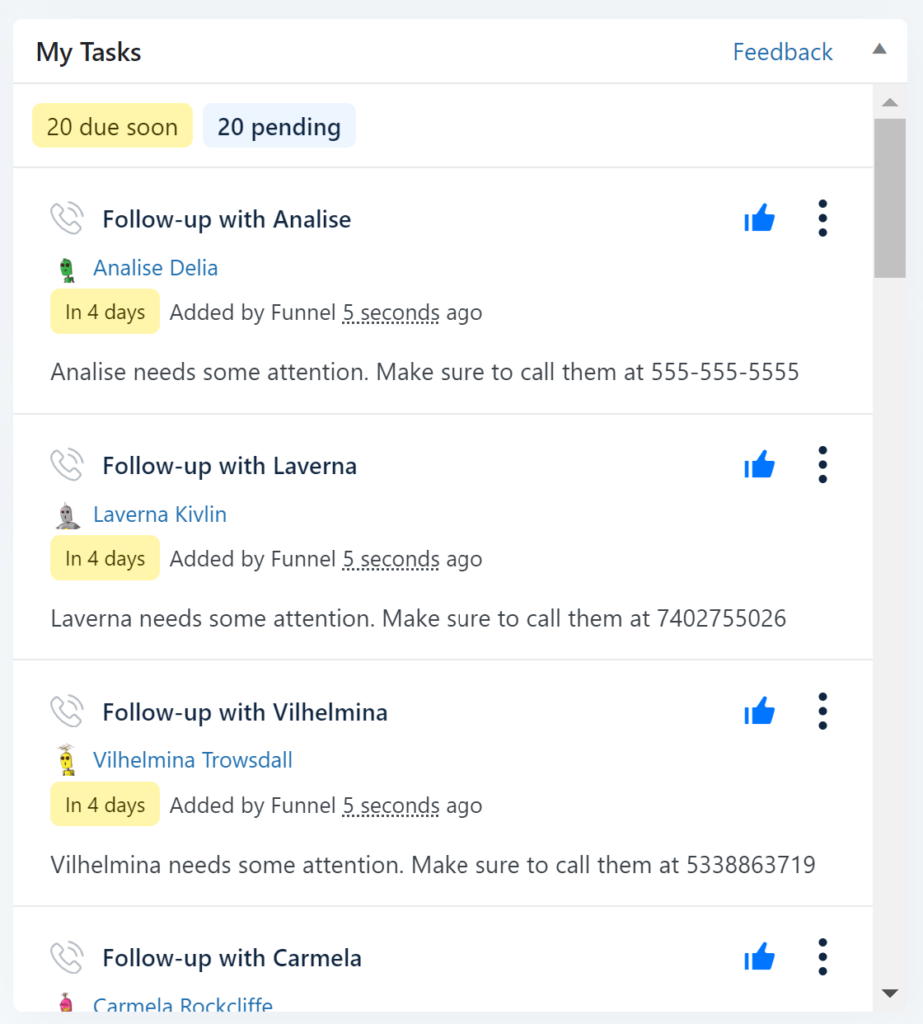
Keep a detailed record of each task, including:
- When the Task Was Added: Know the exact date and time a task was created.
- Who Added the Task: Identify who assigned or created the task.
- Last Edited Timestamp: See when the task was last updated.
Manage Different Types of Tasks
Categorize your tasks by type, whether it’s a general task, a call, an email, or a meeting. This helps you prioritize your actions and manage your workload more effectively.
Sort Tasks by Status
Easily sort and filter tasks based on their status:
- Pending: Tasks that are yet to be completed.
- Overdue: Tasks that have passed their due date.
- Complete: Tasks that have been finished.
With the Tasks feature, you can ensure that nothing falls through the cracks, keeping you on track with your client interactions and daily to-dos.