
Google reCAPTCHA
To use reCAPTCHA to protect your forms, first create a site key and secret key.
Once you’ve created your keys, add them in the reCAPTCHA settings in Groundhogg >> Settings >> Integrations.
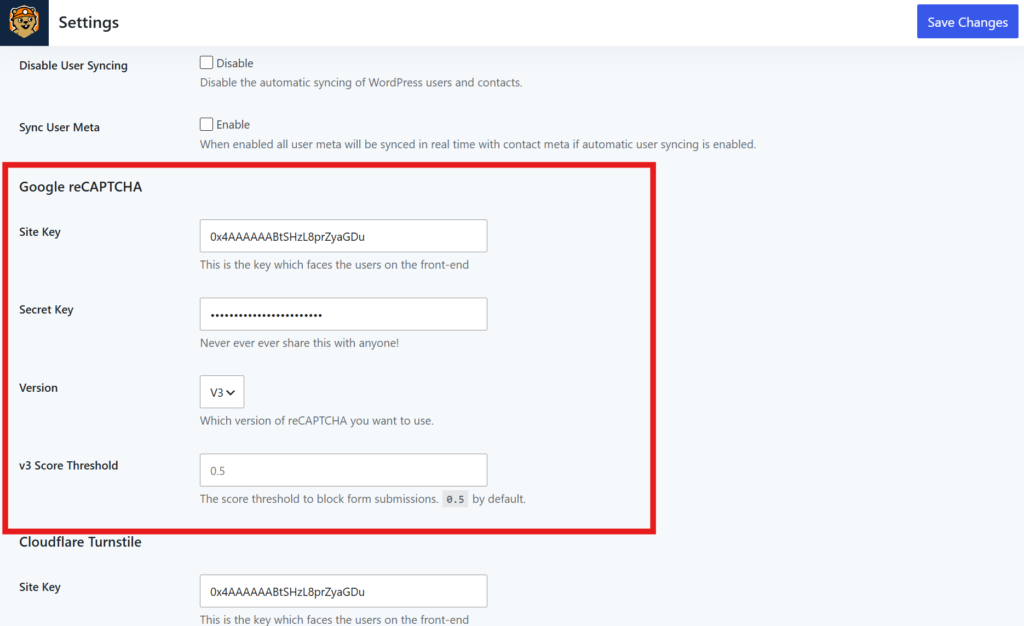
Select V2 for the “I’m not a robot” interactive captcha, or V3 for a hidden captcha.
To add reCAPTCHA to a form, go to any form and enabled the reCAPTCHA field.
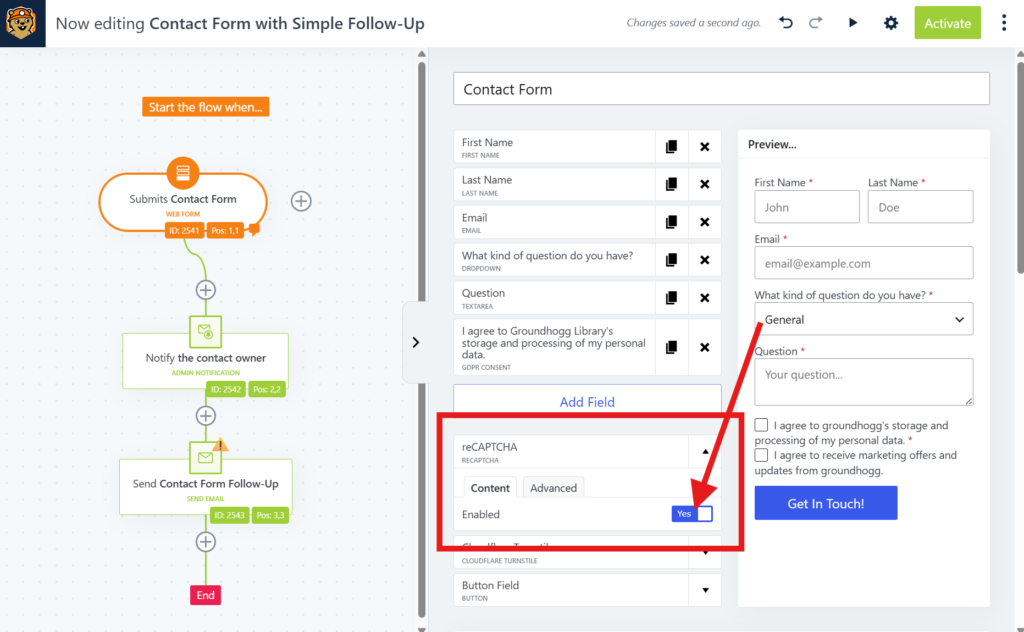
If you have V2 enabled you’ll have additional options for size and theme.