Documentation » Developer Guides
Translating Groundhogg into your language
If Groundhogg does not provide a translation for your language, or you want o modify one of the provided translations we recommend using a plugin to translate Groundhogg into your language.
Loco Translate is a free WordPress plugin that allows you to translate text from other plugins in your WordPress dashboard.
1. Get Loco Translate
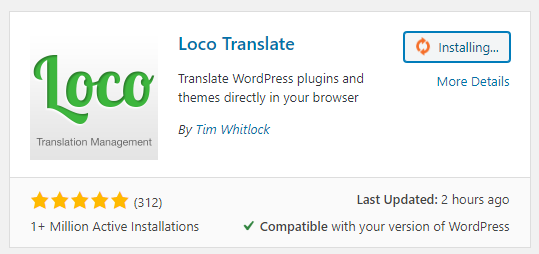
Download and install Loco Translate in your WordPress site.
2. Find Groundhogg
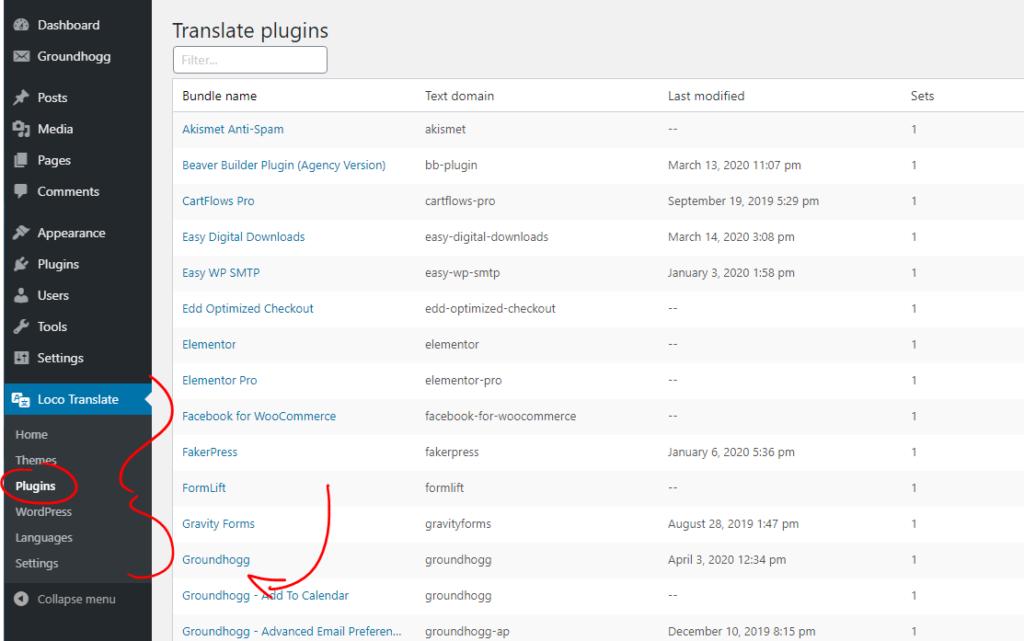
Go to Loco Translate >> Plugins >> Groundhogg
3. Add a new language
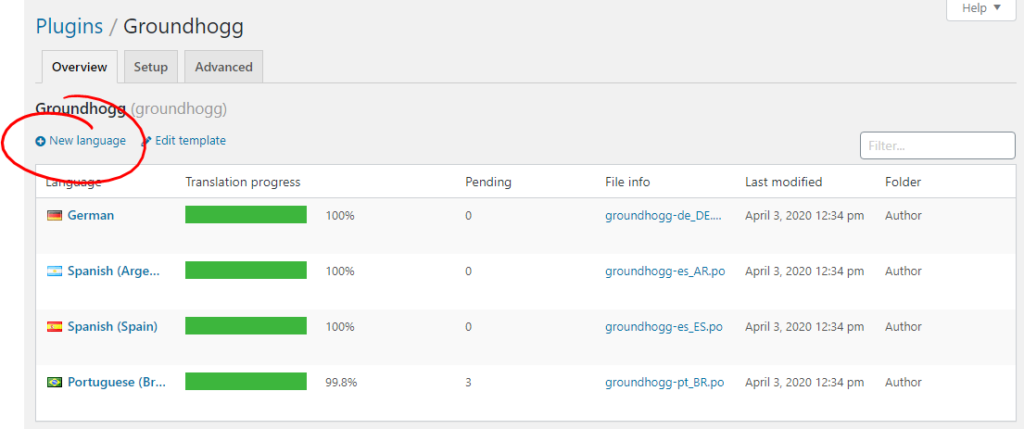
Click the New Language button.
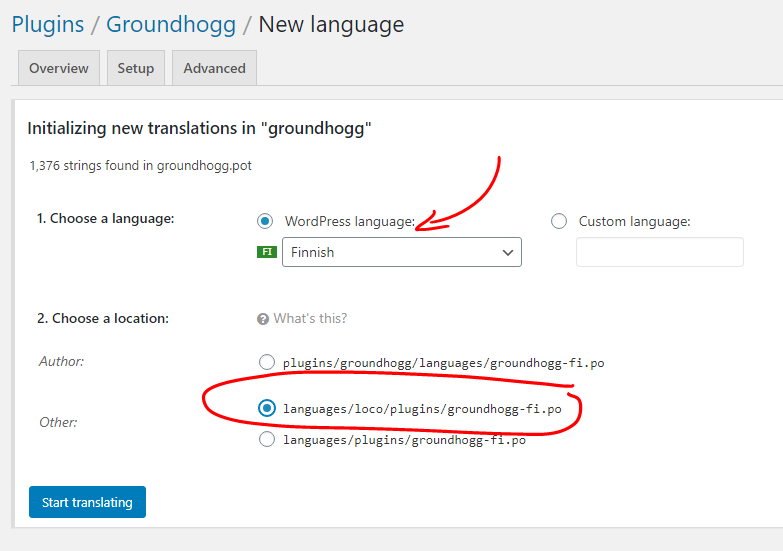
4. Configure your language.
Select the language you wish to translate Groundhogg to and select the location you want to save the file. Choose the 2nd option which reads languages/loco/plugins/groundhogg-<lang>.po
5. Start Translating!
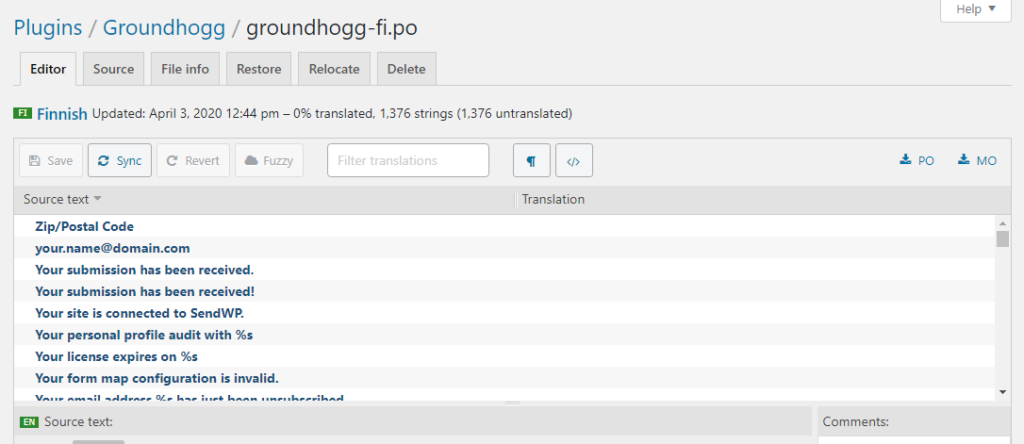
You are ready to start translating! See the Loco Translate documentation for more on how to translate plugins!