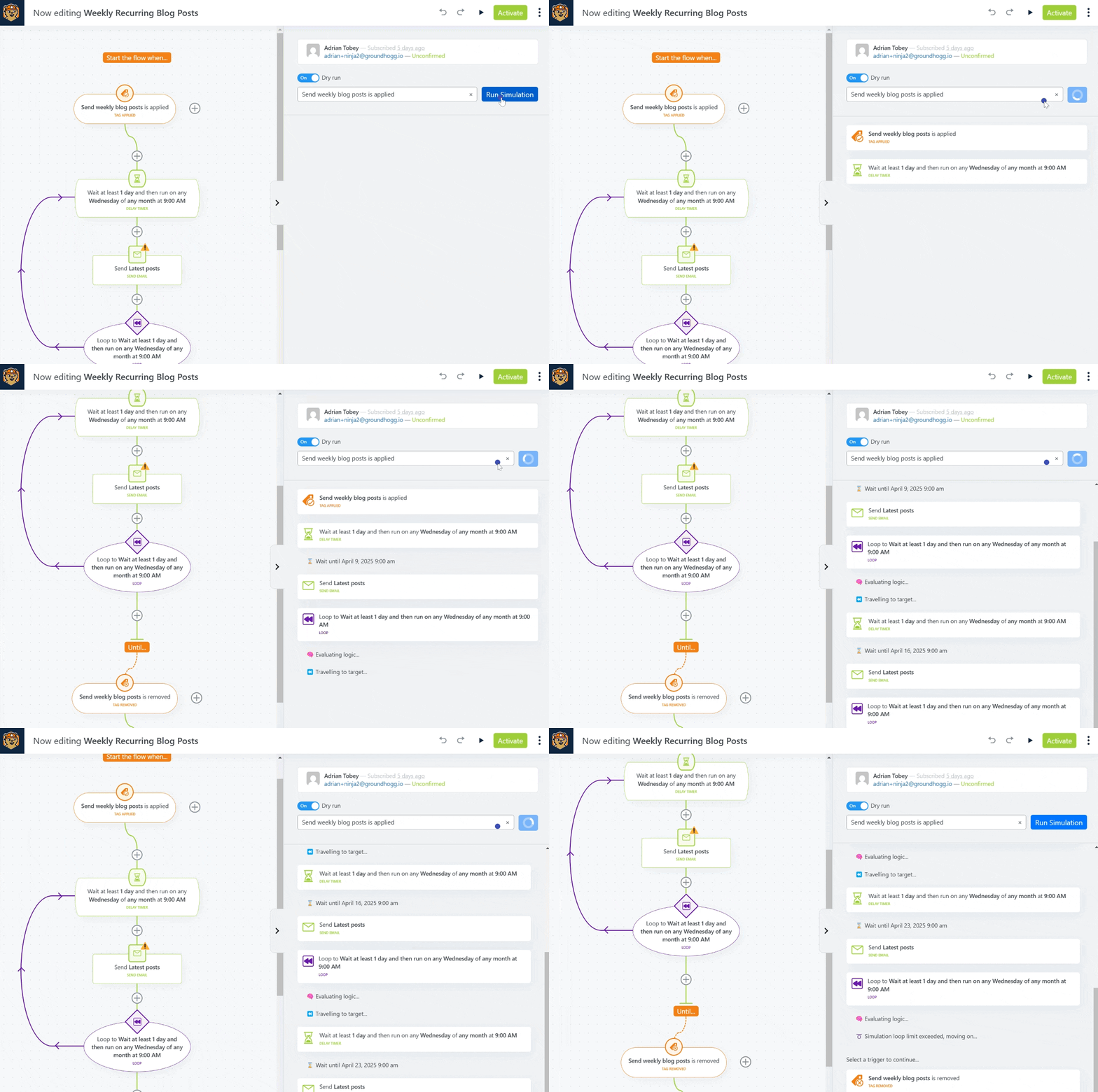
Your flow also doesn't need to be active to test it! The simulator will use your most recent changes, even if they are unpublished.
You will find use the Flow Simulator by clicking the ▶️ button in the flow editor header, next to the undo/redo buttons.
Select a test contact record and edit it in place in to test different branches and logic in your flow.
You can toggle "Dry run" on or off to prevent actions from running, such as sending emails or applying tags.

 Account